A job-search agent that runs on your computer
Your job search,
in one conversation.
Eregion searches company job boards and LinkedIn, reads every posting in full, and brings back the jobs worth your time, each with its gaps and open questions written out. Then it tailors your resume and cover letter, works through application forms, and rehearses your interviews. You approve every document before it leaves your hands.
Free and open source (MIT) · Windows, macOS and Linux · Python 3.12
Ask it plainly
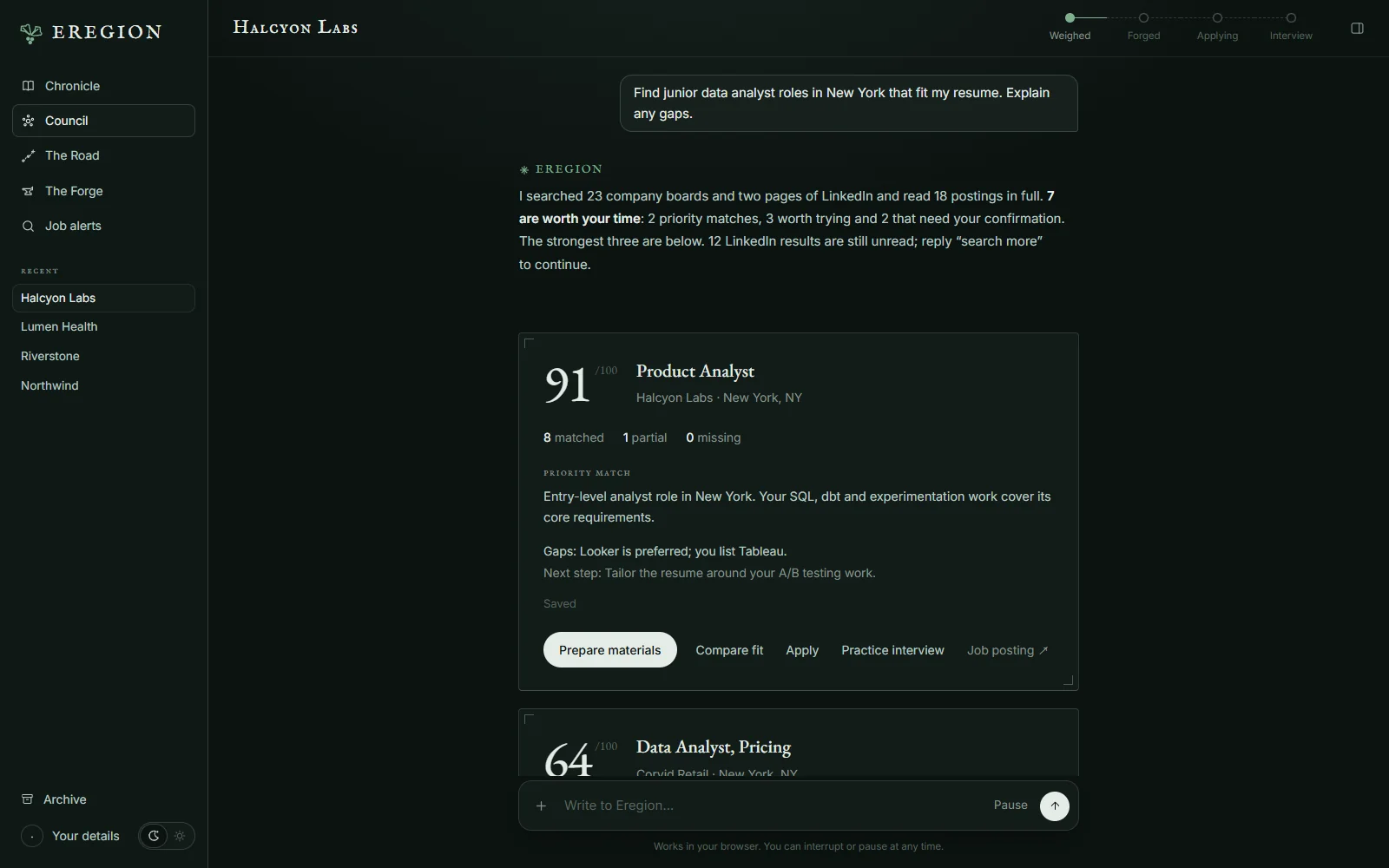
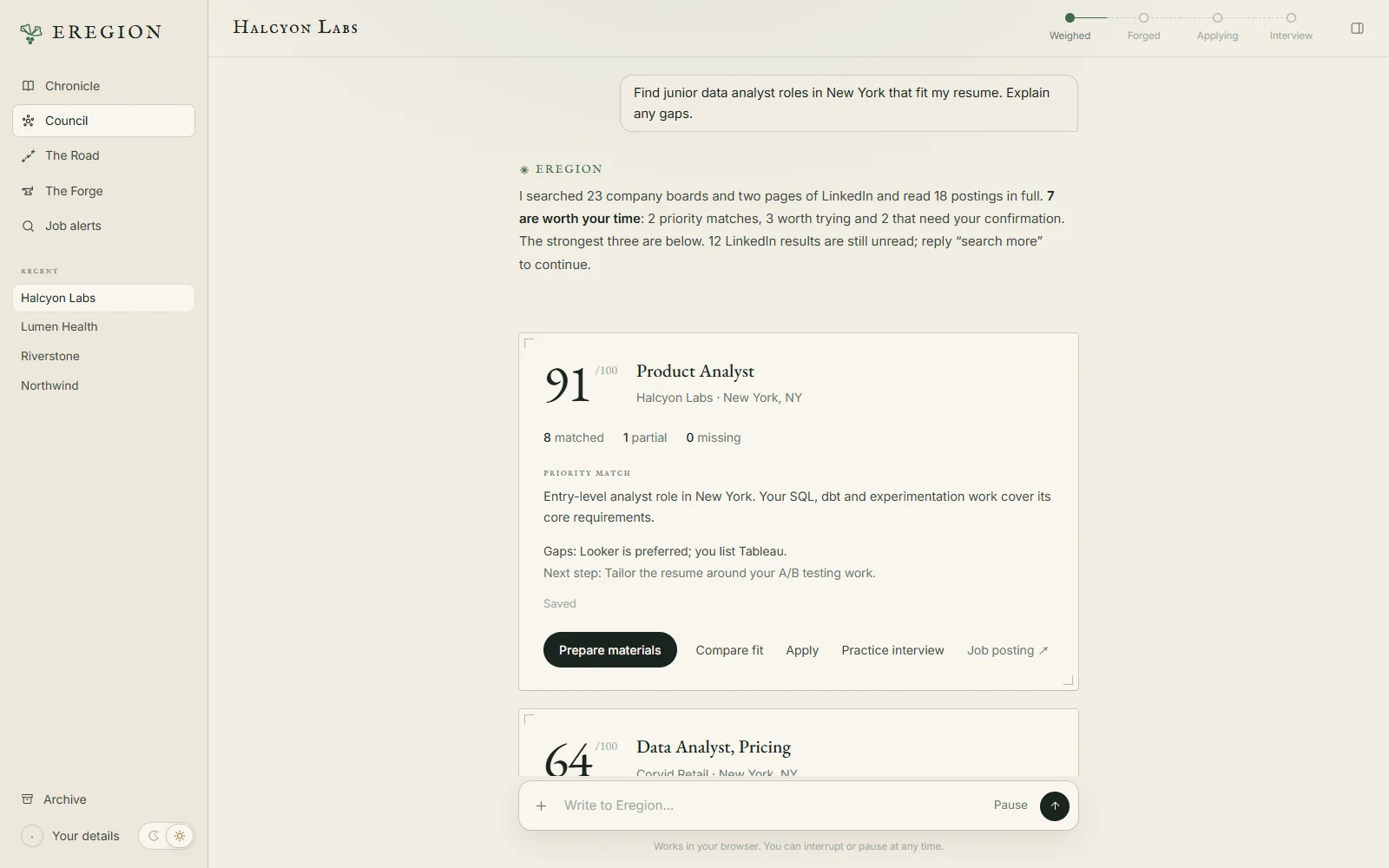
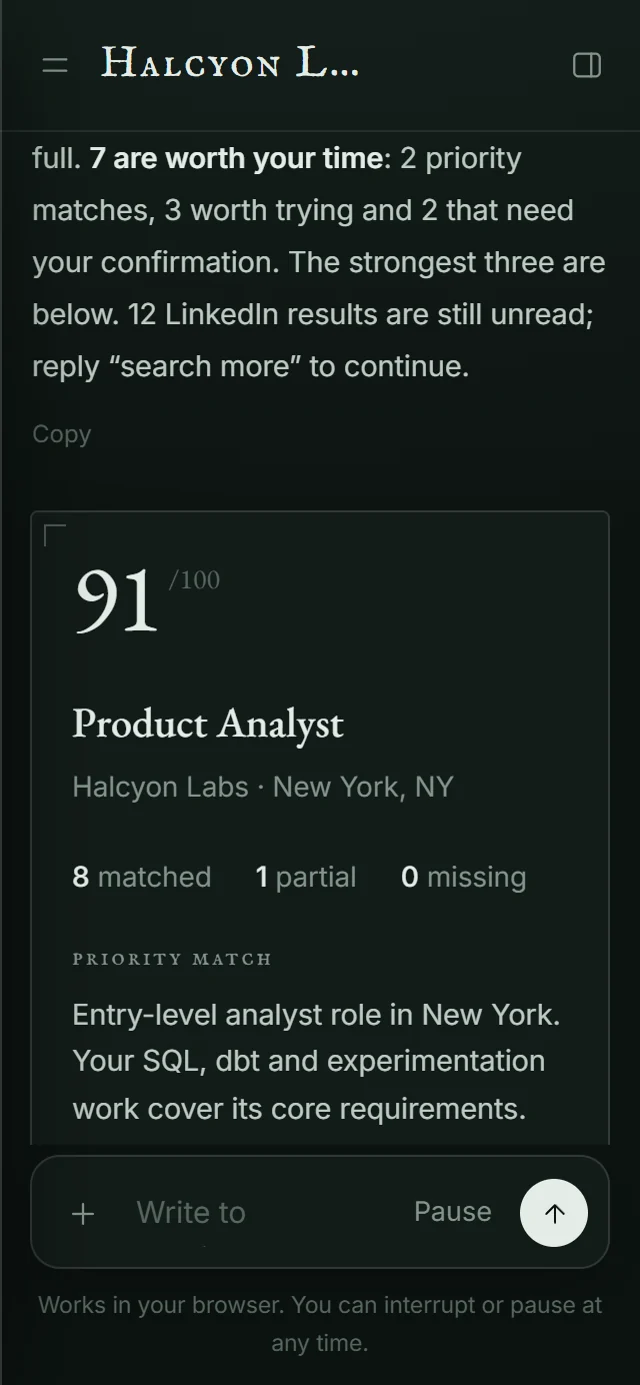
- “Find senior backend roles, remote in the US, that fit my resume. Explain any gaps.”
- “Tailor my resume and write a cover letter. Keep every claim supported.”
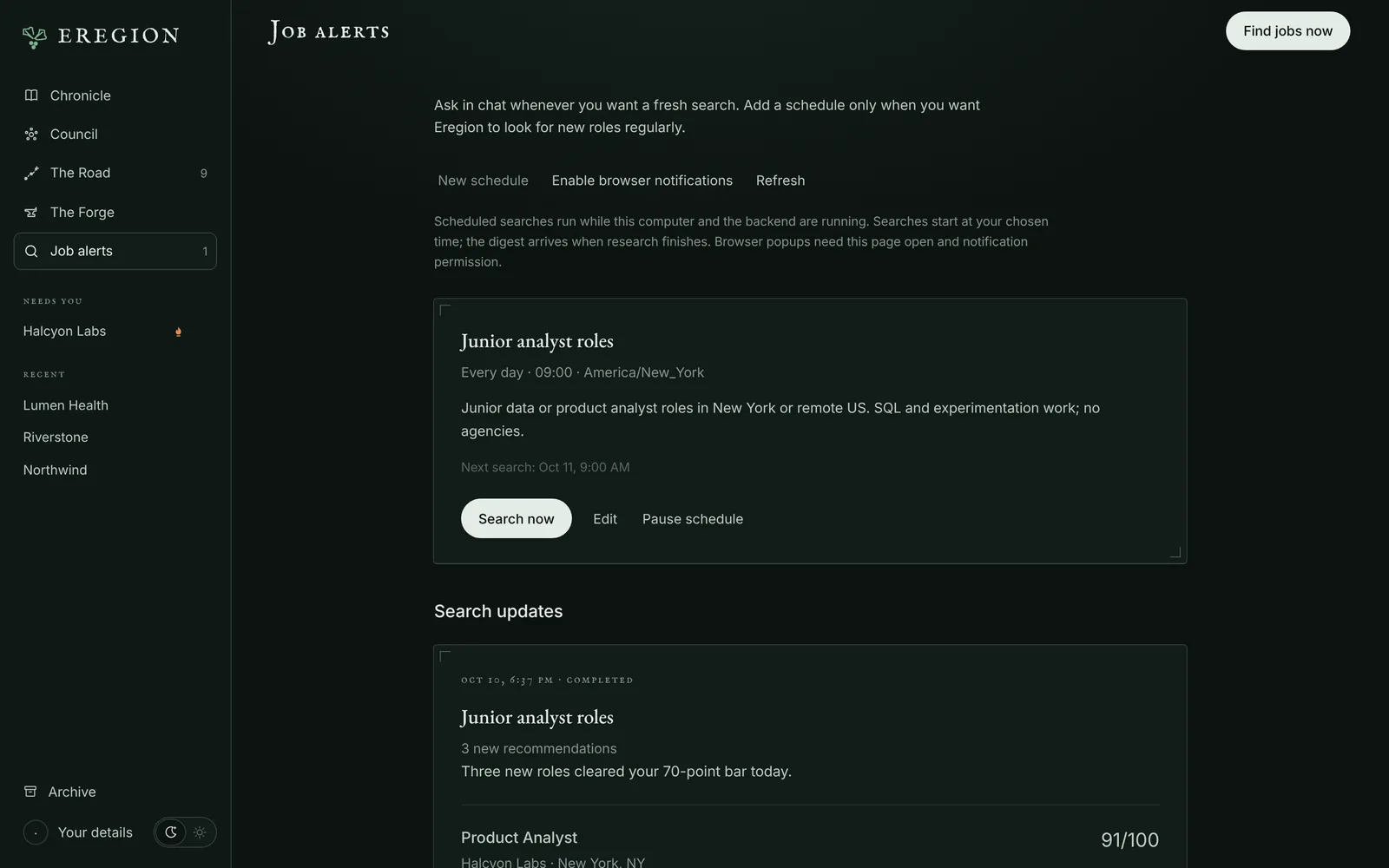
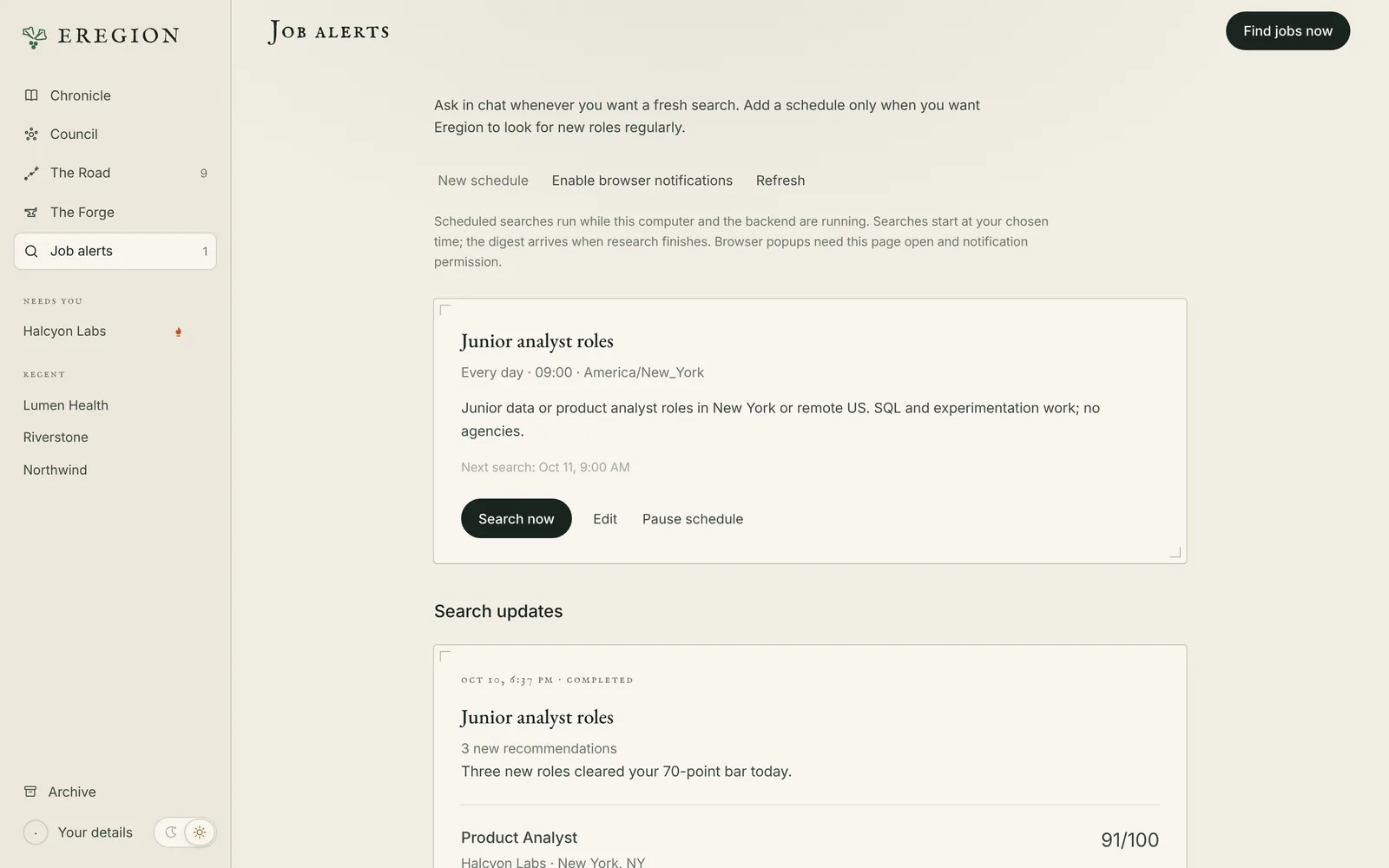
- “Every weekday at 9 AM, recommend new roles that match these preferences.”
What you get back
Every job, sorted and explained.
The agent reads each posting in full and checks it against what you asked for. Only clear mismatches are dropped, such as a different occupation, a Staff role when you asked for senior, or a city you ruled out. Everything else comes back in one of three tiers, with evidence quoted from the posting.
How a search worksPriority match
Role, location and level match, and your resume shows the core requirements.
Worth trying
Relevant, but a core skill or experience isn't on your resume. Each gap is listed with how much it matters.
Needs your confirmation
Something only you can answer: GPA, work authorization, start date, or a level or location the posting leaves unclear.
No padding, no quota
Results are spread across employers. When the agent stops, it tells you what was searched, what failed and what is left. Reply “search more” to continue.
How it works
One road, from first sight to offer.
Every application in Eregion travels the same five stations. The agent does the walking; you decide at the crossings.
-
Sighted
Searches 118 verified company boards and LinkedIn, and returns tiered results, on request or on a schedule.
-
Prepared
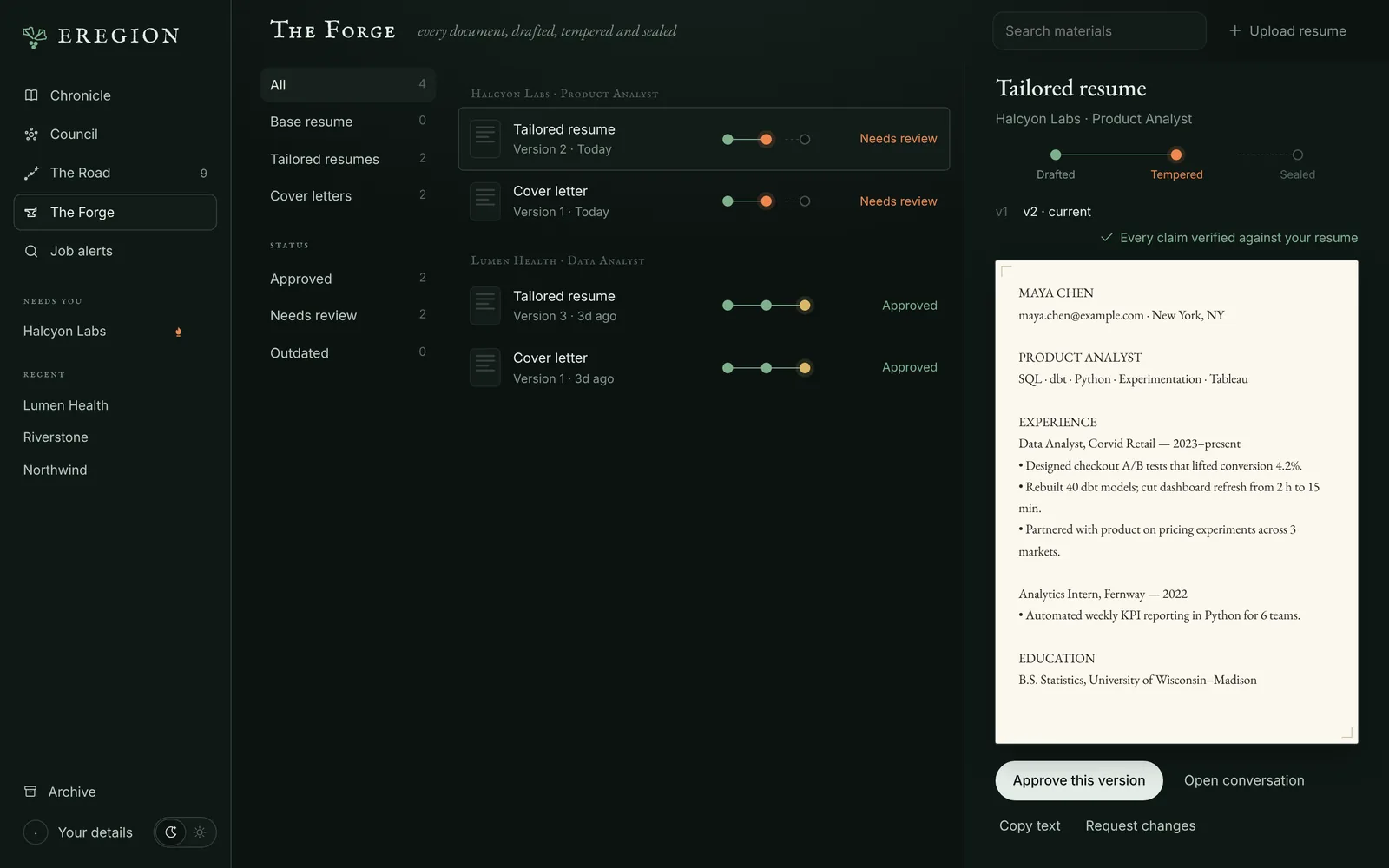
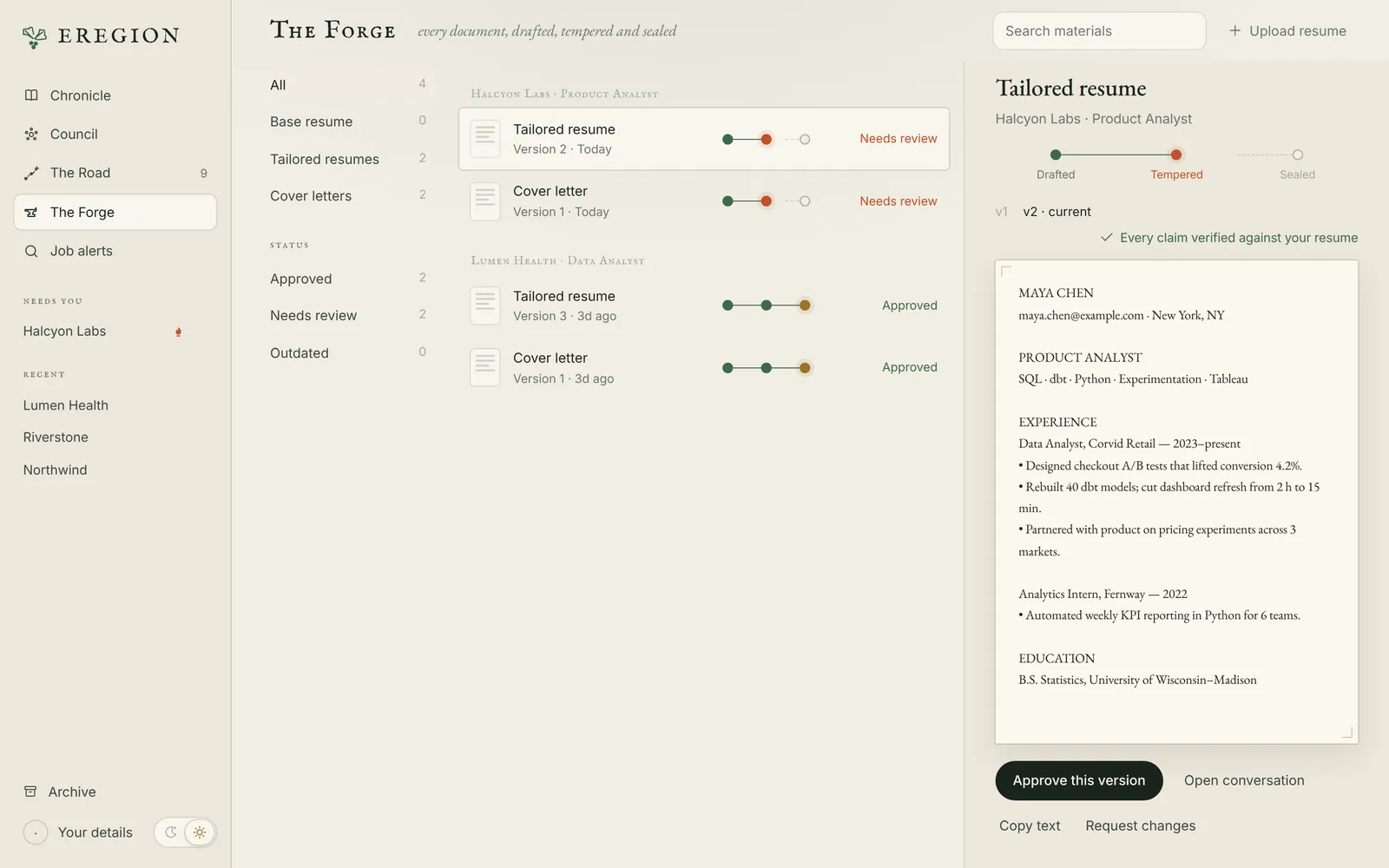
Scores each role against your resume, then drafts a tailored resume, cover letter and answers.
-
Sent
Opens the form in Chrome, fills what it knows, uploads approved files, and asks you for the rest.
-
In interview
Rehearses questions written for that job and that company, with feedback and a final report.
-
Offer
Your Road keeps the whole history, so you can see what worked.
Optional fast path
Fit scores in under a second with Jev.
Jev is a fast yes/no decision model from Typesafe. Turn it on and Eregion scores job fit with Jev alone, up to sixteen jobs per batch, and keeps the decisions in a local cache. In live searches it scored 150 real postings in about 0.4 seconds each. Your main model still handles conversation and writing.
How to turn it onJev: 150 real postings scored inside 13 live searches (October 14), 2.1 Jev requests each and none failed; time is the sum of every Jev request. Main model: one synthetic job, cold (October 9). Measurements and caveats
Privacy and control
Your search stays on your machine.
Eregion is a local, single-user application. There is no Eregion account and no hosted service.
Local database
Your resume, conversations, documents and application history are stored on your computer. The server listens on 127.0.0.1 only.
Your model, your key
Bring any OpenAI-compatible provider that supports tool calling. Only the content a task needs is sent to the provider you configure.
You approve, it acts
Approving materials and submitting an application are always explicit steps that you take.
Take the wheel
Watch the agent's Chrome window, pause it, or take control when a site needs a login, MFA or a CAPTCHA.
Evaluation
Tested in the open.
Four synthetic applicants (a junior analyst, a senior backend engineer, an ML intern and a junior designer), live runs with fixed budgets, and a person reviewing the results by hand. The report covers what failed along the way, too.
Read the evaluation report0 of 23 wrong
In the human review, no shown job was a wrong match for the request.
123 jobs, 0 structural errors
Across the latest scenario runs, every shown job had quoted evidence, a score and a tier.
Honest replies
Every audited reply stated what failed and what was left unsearched.
Known limits
The agent often stops searching early and offers to continue, and scoring accuracy against human labels is not measured yet.
Download
Set out today.
Free, open source, and running on your own computer in about ten minutes.
Eregion for your computer
Includes the web app and the Eregion Lens Chrome extension
git clone https://github.com/ethany14/Eregion-Job-Finding-Agent.git- Python 3.12
- Google Chrome
- A model API key (OpenAI-compatible)